
Does it remove human review?
No. The examples keep review and approval with the operations team, especially when source data is unclear.
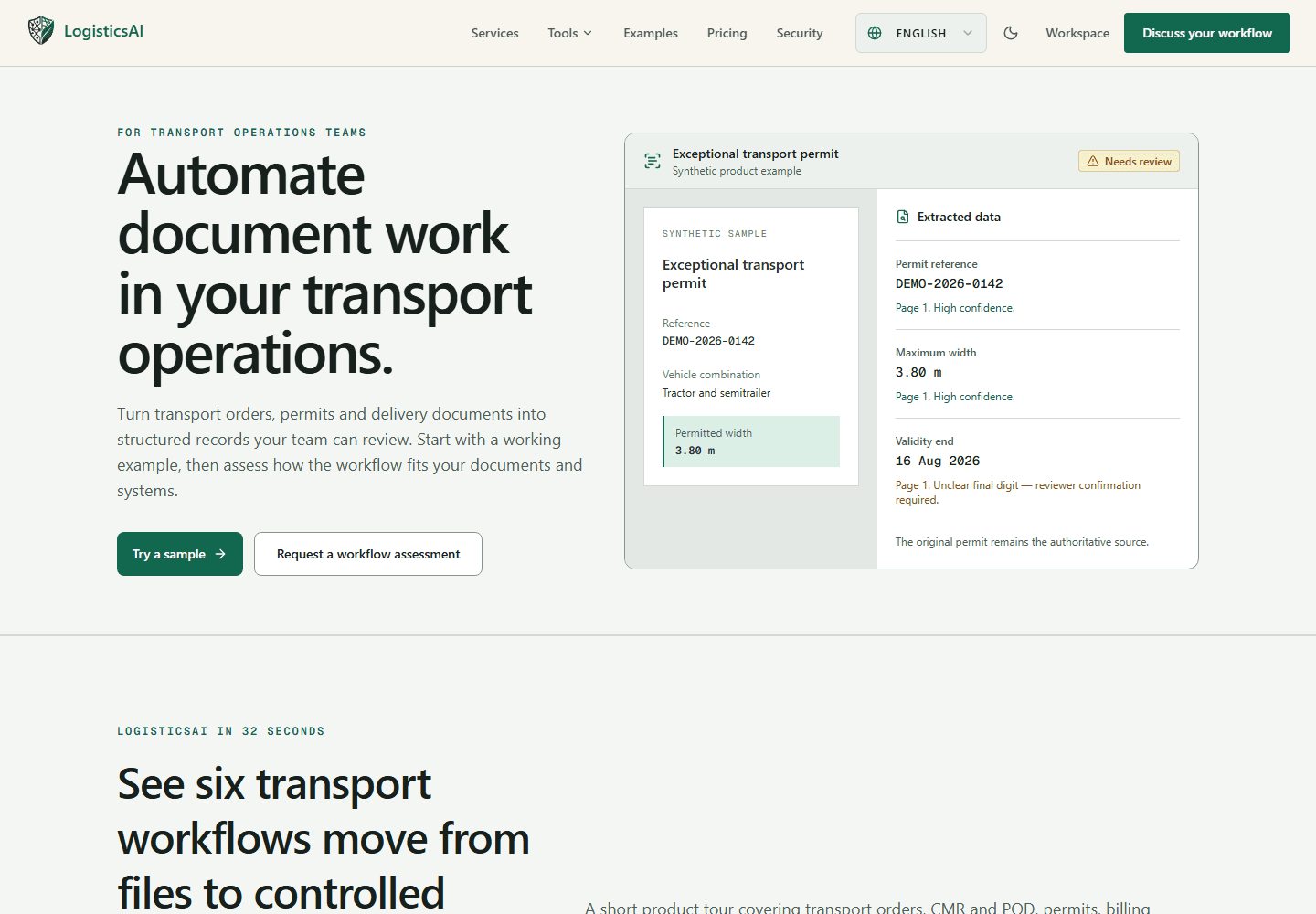
See source documents beside extracted fields. Keep uncertain data for human review.
For transport and operations teams that handle the same document work every day.
Important details arrive in different files. People copy fields between documents and systems, then check the same information again.
LogisticsAI explores controlled extraction: bring source documents and proposed fields together, keep uncertain values visible, and let a person approve the result.
Review extracted fields beside their source.
Keep unclear values in the human review queue.
Start with one document workflow before expanding.
Choose a transport document workflow.
Inspect the working example and its source evidence.
Discuss how that workflow fits your own documents.
The public examples demonstrate the approach. They do not claim that every transport workflow is already automated for every team.
No. The examples keep review and approval with the operations team, especially when source data is unclear.
Yes. The product site has a workflow assessment route for teams with their own documents and systems.
No report has been published for this project yet.